

macOS
Downloads
Get it on your machine
All downloads are full versions. 14-day trials automatically start on first launch.
Windows
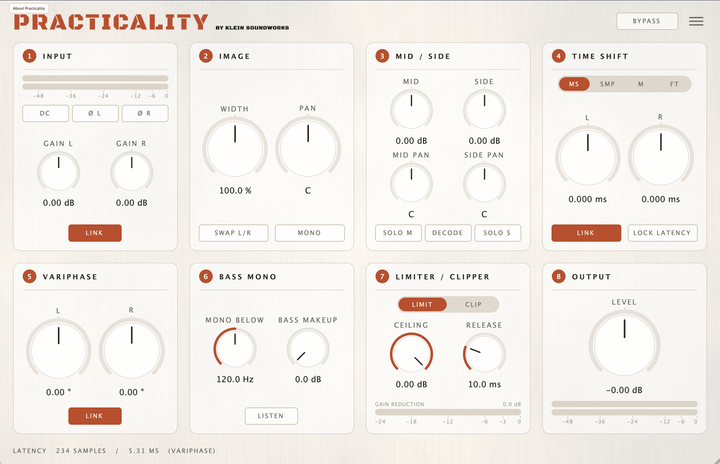
Practicality 1.0.1 — Installer Windows
Manual
Practicality - User Manual
MacOS
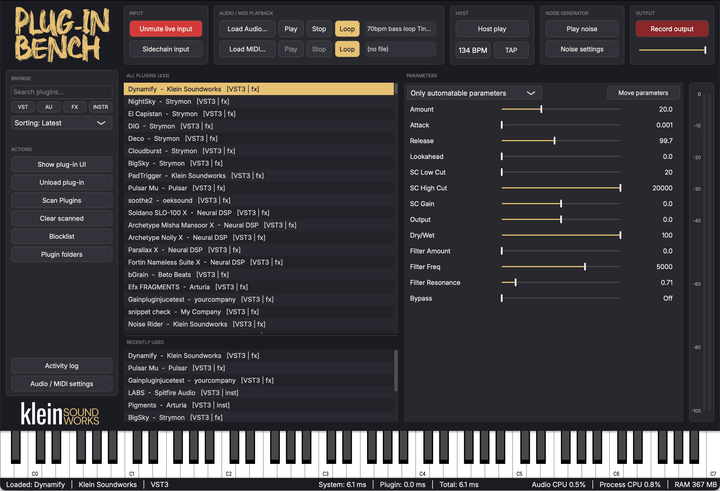
Plug-in Bench 1.0.1 - Installer MacOS
Windows
Plug-in Bench 1.0.1 - Installer Windows
Manual
Plug-in Bench - User Manual
macOS
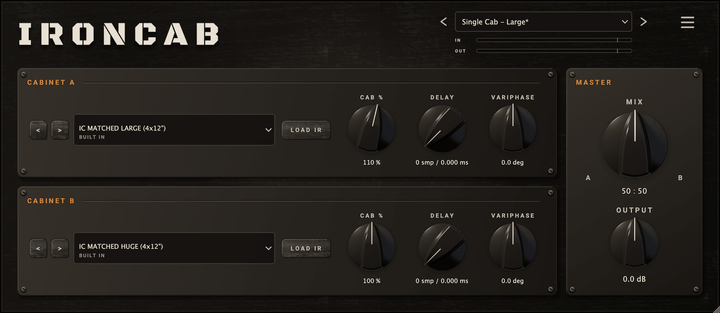
IRONCAB 1.0.0 - Installer MacOS
Windows
IRONCAB 1.0.0 - Installer Windows
Manual
IRONCAB - User Manual
macOS
IRONCLAD 1.0.0 - Installer MacOS
Windows
IRONCLAD 1.0.0 - Installer Windows
Manual
IRONCLAD - User Manual
macOS
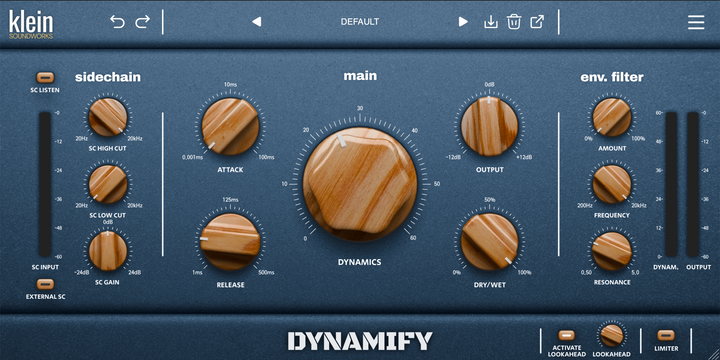
Dynamify 1.0.5 — Installer MacOS
Windows
Dynamify 1.0.5 — Installer Windows
Manual
Dynamify - User Manual
Install
Three steps. You're making music.
From download to first knob twist, under two minutes on your PC or Mac.
01
Download
Pick your installer
Grab the macOS or Windows installer above. Use these either after purchasing or for a trial, they are the same file.
02
Install
Run it. Restart your DAW
Double-click the file, click Install, done. Reopen Logic, Ableton, Pro Tools, whatever DAW you use. Plug-in's show up under Klein Soundworks.
03
Activate
Drop in your license key
Open the plugin, paste your license key that you received via e-mail. Activated forever — no iLok, no internet needed after the first activation.
System & License
What you need. What you get.
System requirements
- macOS 11 Big Sur or later. Apple Silicon native.
- Windows 10 or later.
- Hosts Logic Pro, Ableton, FL Studio, Pro Tools, Cubase, Studio One, Reaper and any other supporting 3rd party plugins.
- Formats VST3 & AU - 64-bit only.
- RAM 4 GB minimum, 8 GB recommended.
License & activation
- Lifetime license — Pay once, yours forever.
- Free updates — Every future incremental version included.
- 3 machines — Transferable without support needed.
- No iLok — Activates with a simple license key.
- Offline use — Activates via internet. No connection needed ever after activation.